

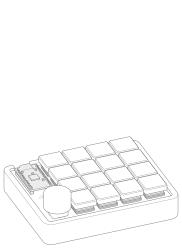
Build your own MinimalPad, a 16-key macropad with a dial. You solder and assemble it yourself, and the build guide takes you through it step by step.
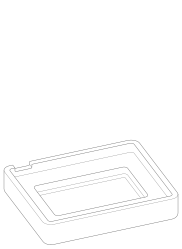
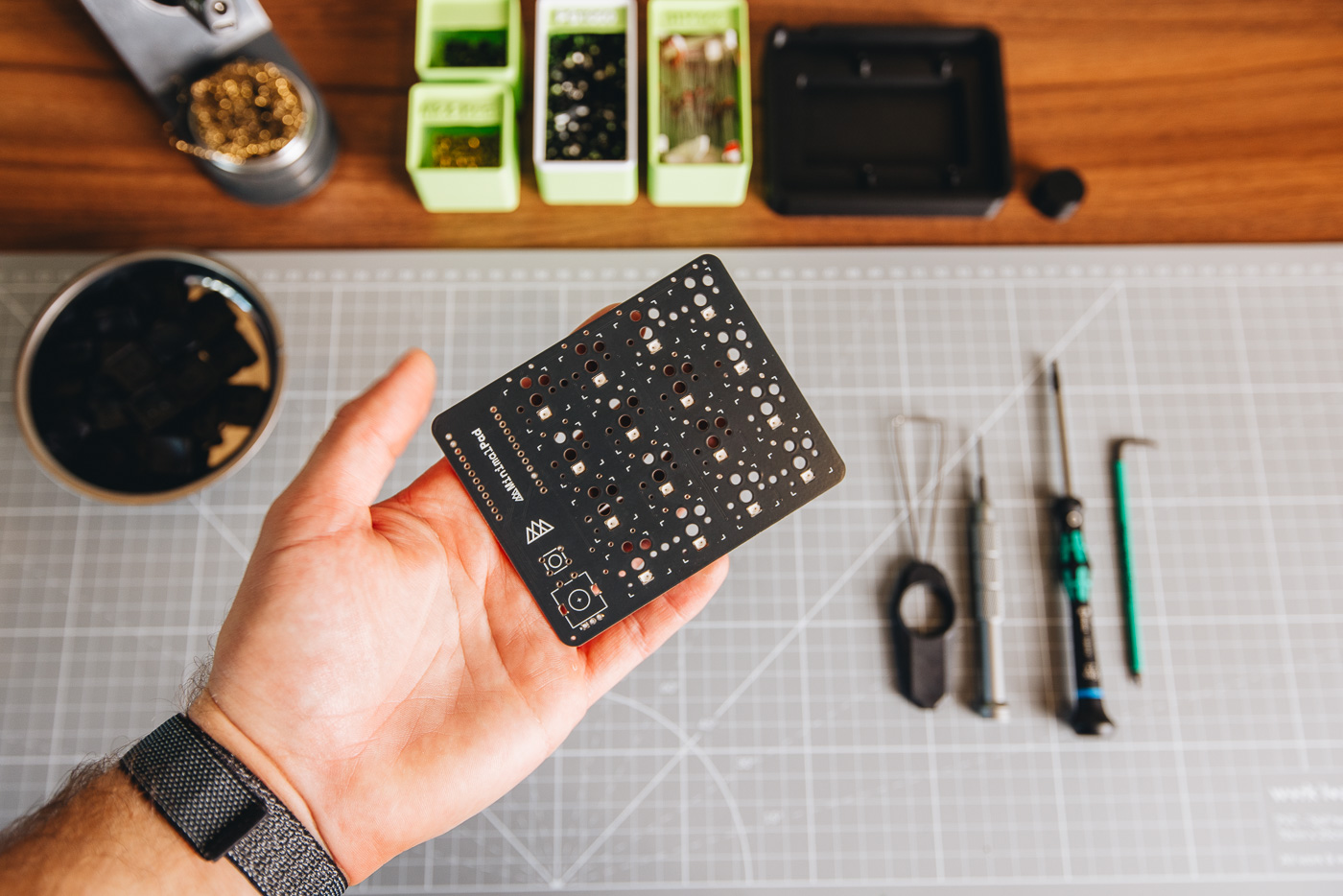
I 3D print the case and dial cap in my home office in Amsterdam, one at a time. Small layer lines and slight surface variations are normal, and part of the handmade character.
You choose the controller, the case and a few extras. My buyer’s guide explains the differences and helps you choose.
What’s included depends on the options you pick. For current stock, see the buyer’s guide.
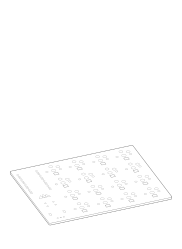
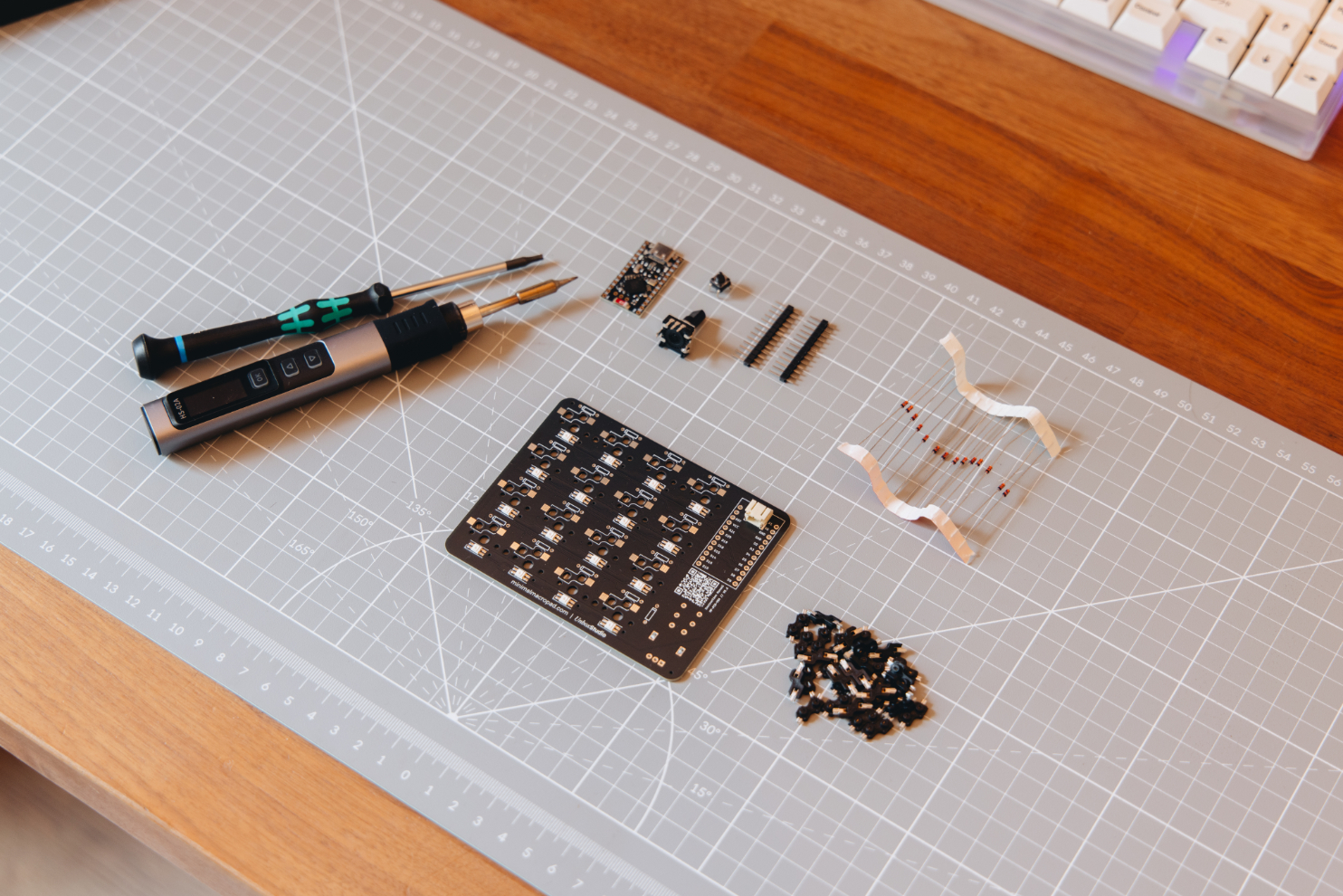
1× PCB
1× EC11 rotary encoder
1× reset button
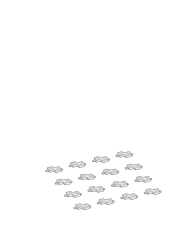
16× Kailh Choc low-profile hot-swap sockets
17× diodes
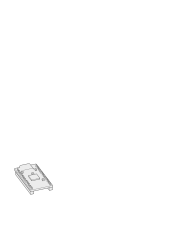
1× controller, in the NRF52840 and Nice!Nano V2 versions
1× 3D printed case (if selected)
1× 3D printed dial cap (if selected)
16× Kailh Choc White switches (if selected)
16× keycaps (if selected)
Battery not included
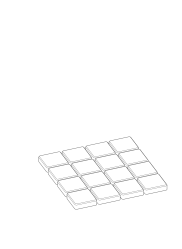
A 16-key macropad and a dial, built from a handful of parts. Scroll to see how it goes together.
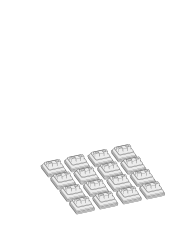
Kailh Choc low-profile switches sit in hot-swap sockets. Pull one out and swap it, no soldering.
Bluetooth or USB-C, running the open-source ZMK firmware. Set up every key and the dial in MinimalPad Studio.
I build every pad by hand in Amsterdam, one at a time. Cases and dial caps are 3D printed here too.
You solder and assemble the kit yourself, step by step with the build guide. I 3D print the case and dial cap in my home office in Amsterdam.
You addA 3.7 V LiPo battery (JST-PH 2.0) for wireless use.
Partly, today. MinimalPad runs the open-source ZMK firmware, and the current GitHub repository contains the MinimalPad ZMK configuration.
The full MinimalPad project is not open source yet. I’m preparing the PCB and other project files for release, but I want to resolve the remaining PCB issues and finish the documentation first.
Yes. Once paired, MinimalPad works as a standard Bluetooth or USB keyboard, no drivers needed on Mac, Windows, or Linux.
To configure keys, macros, and lighting, just open our browser-based configurator at studio.minimalmacropad.com/configure in Chrome or Edge, no install required, and it works the same on Mac, Windows, and Linux.
MinimalPad comes in two versions: fully assembled and ready to use, or a DIY kit with the SMD components pre-soldered so you finish the build yourself with a soldering iron and our build guide.
Either way, a battery and USB-C cable aren't included, you'll need to supply your own rechargeable 3.7V LiPo battery with a JST connector (the standard type used in most nRF52840-based keyboards) and a regular USB-C cable to charge it and load your configuration.
You have 14 days from delivery to return your MinimalPad for a refund. The item needs to be unused and in its original packaging.
If it arrived damaged, defective, or wrong, email support@minimalmacropad.com with your order number and photos first, we'll cover the fix, whether that's a replacement part or a refund. For change-of-mind returns, just email us with your order number to start one.
Yes. Every MinimalPad is built and shipped individually from Amsterdam, so exchanges work the same everywhere. Email support@minimalmacropad.com to start one, once your return is on its way back, we'll ship out the new configuration (or refund you instead, if you'd rather not wait).
If your item arrived damaged, defective, or wrong, we cover return shipping, just contact us first at support@minimalmacropad.com. For change-of-mind returns, return shipping is on you.
Customs duties are charged by your country's import authority, not by us, so we can't refund them directly. On an approved return we'll refund the product price and any shipping we charged, for the duty itself you'll need to file a claim with your local customs office.
From the workshop